How does it work?
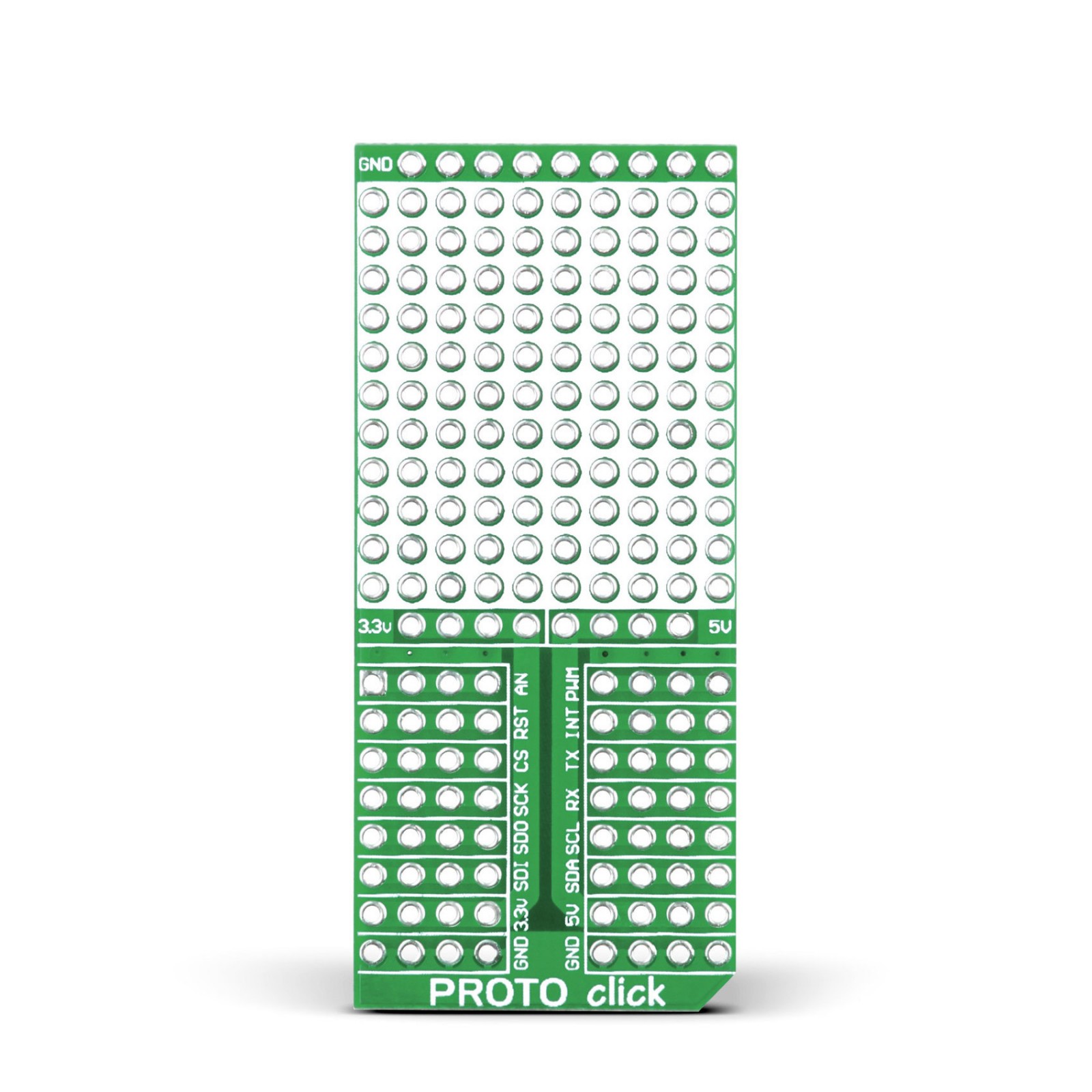
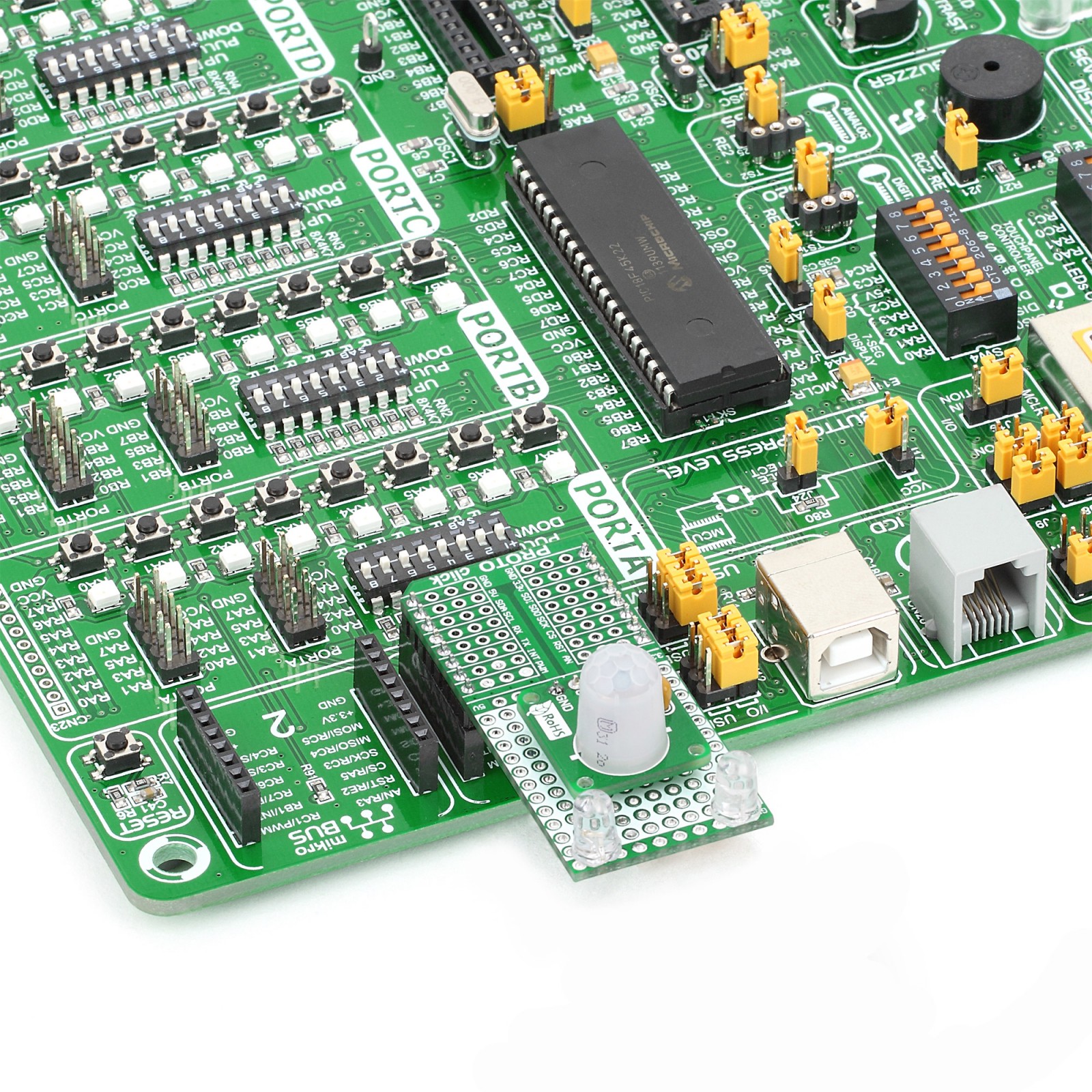
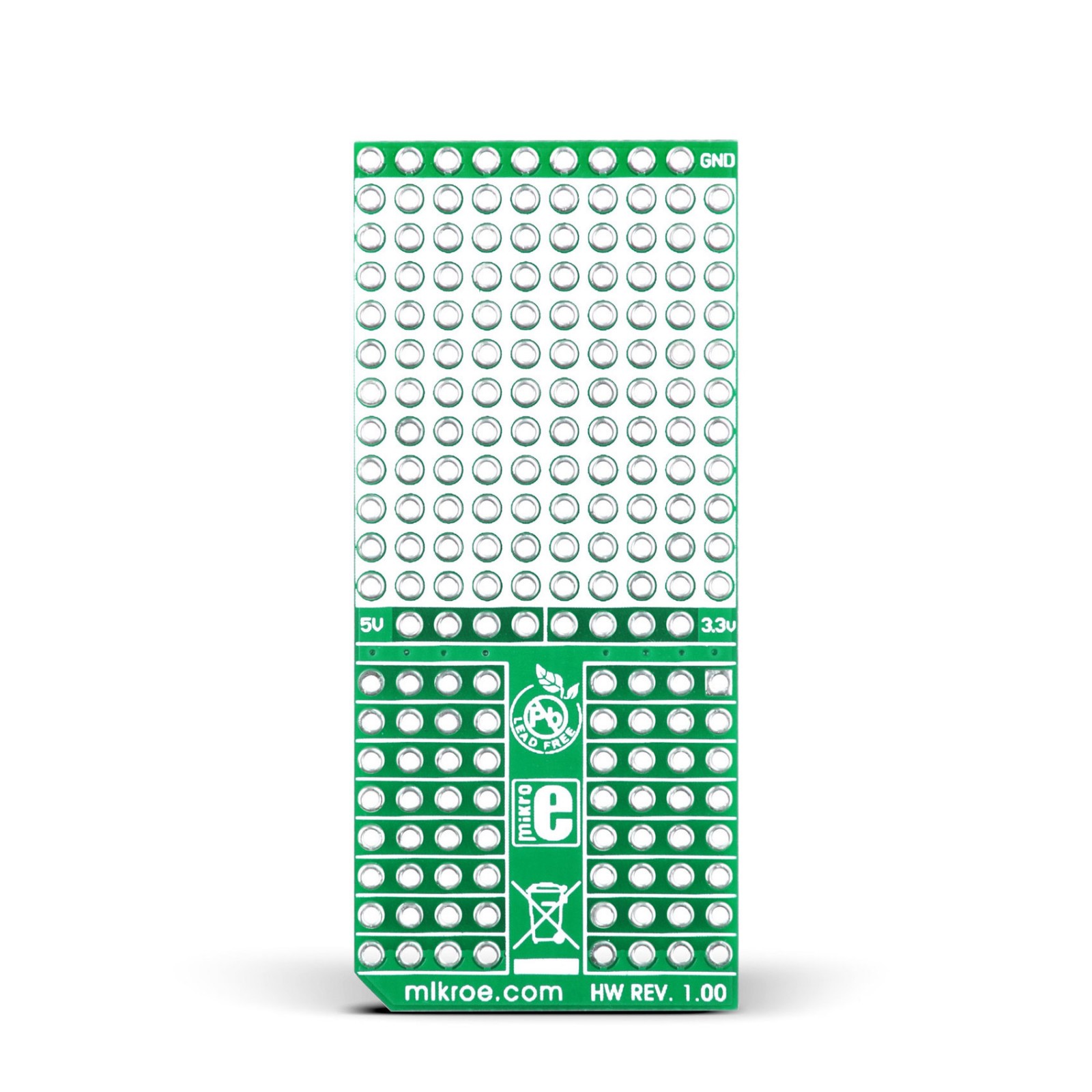
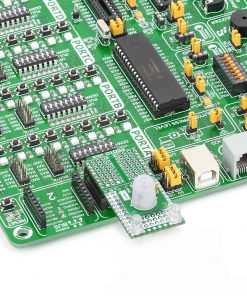
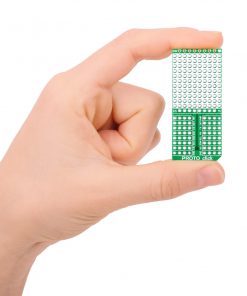
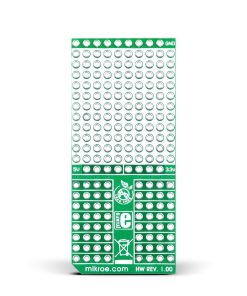
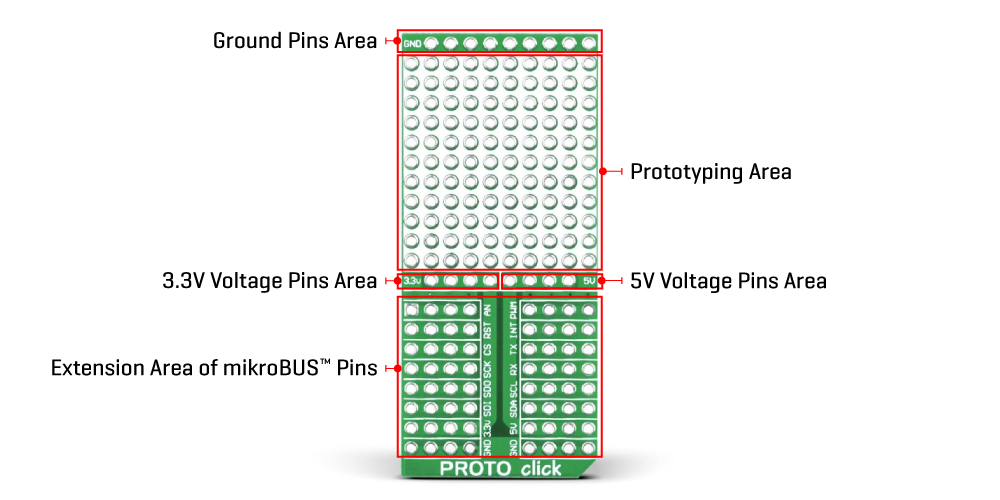
PROTO Click is an accessory Click board™ used as a construction base for prototyping electronics with a mikroBUS™ pins expansion. It allows you to add sensors, drivers, and passive components and make this Click board™ in a way that suits your project needs. It features a 10×11 prototyping area as well as additional power pads (3.3V and 5V power supply pins), providing an easy and elegant solution for adding the external connection capability to the Click board™, plugged on a mikroBUS™ socket.

In addition to the prototype area and the ground part at the top of the PROTO Click, this Click board™ also has a part that represents the expansion of the already existing pins of the mikroBUS™ socket. Those are standard mikroBUS™ I2C (SDA, SCL), SPI (MISO, MOSI, SCK, CS), UART (TX, RX), PWM, INT, AN, and RST lines from the target board microcontroller. Use this Click board™ with all your favorite development boards which carry mikroBUS™ sockets.
Specifications
Type
Proto
Applications
Can be used to assemble custom electronics thus creating a custom Click board™
On-board modules
No modules only 10×11 proto PCB area
Key Features
Easy and elegant solution for adding the external connection capability to the Click board™
Interface
Analog,GPIO,I2C,PWM,SPI
Feature
No ClickID
Compatibility
mikroBUS™
Click board size
L (57.15 x 25.4 mm)
Input Voltage
3.3V,5V
Pinout diagram
This table shows how the pinout on PROTO Click corresponds to the pinout on the mikroBUS™ socket (the latter shown in the two middle columns).
Onboard settings and indicators
| Label | Name | Default | Description |
|---|---|---|---|
| LD1 | PWR | – | Power LED Indicator |
PROTO Click electrical specifications
| Description | Min | Typ | Max | Unit |
|---|---|---|---|---|
| Supply Voltage | 3.3 | – | 5 | V |

Alcohol 3 Click
MPU 9DOF Click
Proximity Click
GNSS 17 Click
RTC Click
GSM Click
GPS Click
METHANE Click
EXPAND Click
GSM2 Click
Current Click
tRF Click
3D Motion Click
microSD Click
MP3 Click
LPG Click
IrThermo Click 3.3V