Buggy
A motorized development platform
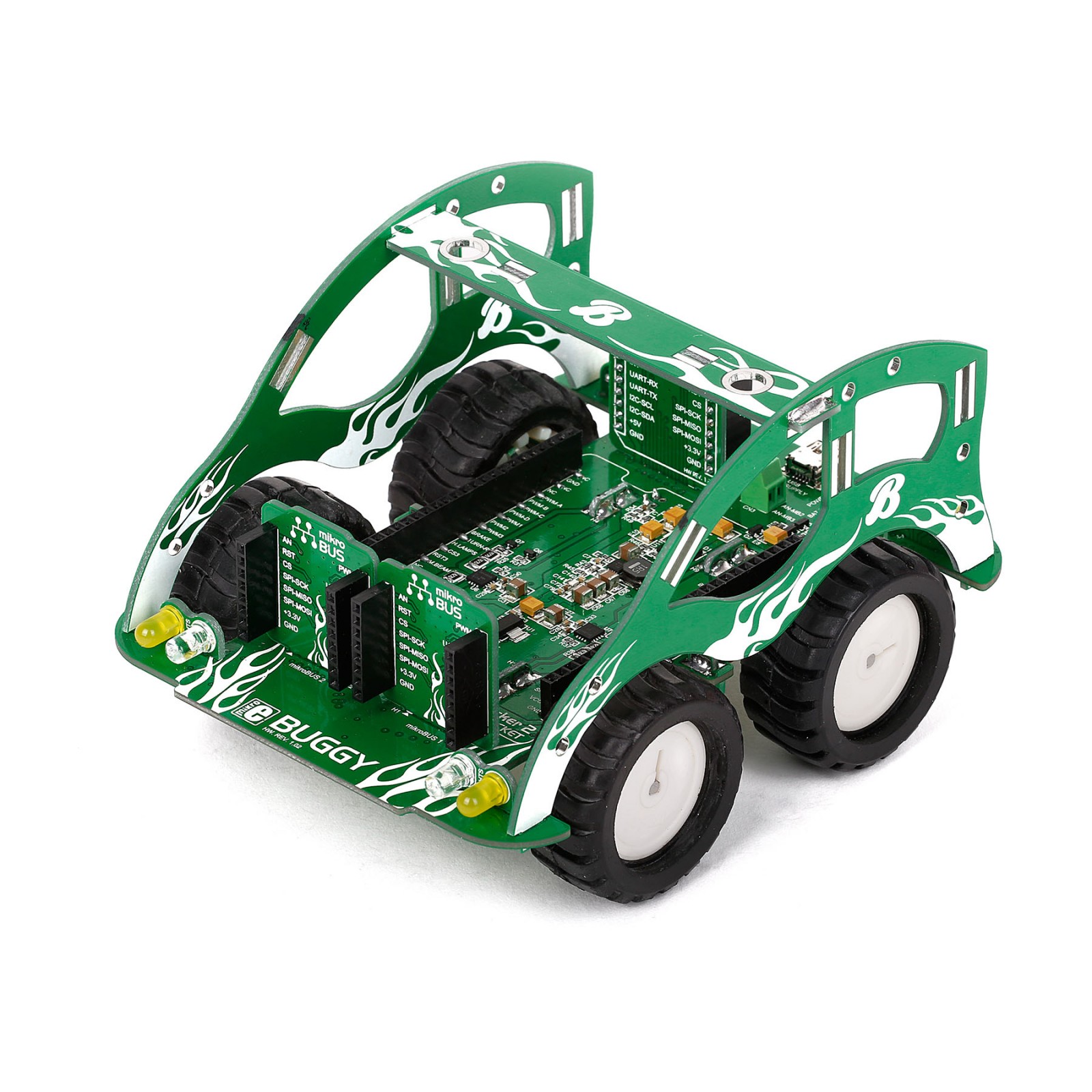
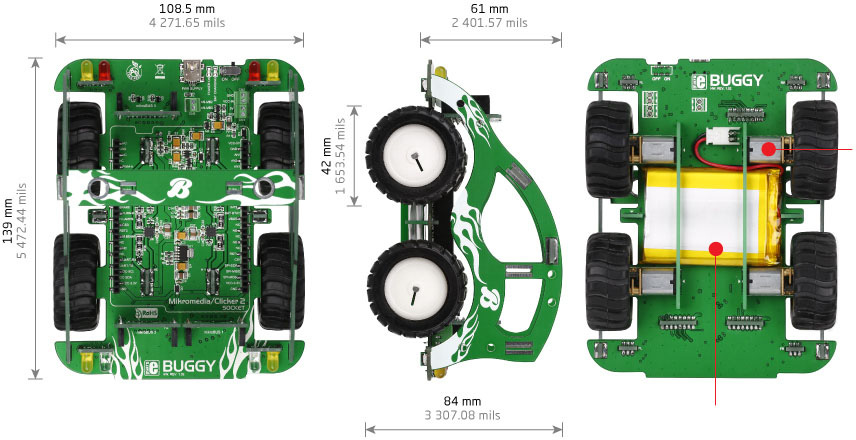
8-bit, 16-bit, 32-bit, ARM, PIC, AVR? With the MIKROE Buggy you’ll be on your own terrain – it’s essentialy a four-wheeled mikromedia or Clicker 2 workstation.

Once you attach the board of your choice, the Buggy becomes a battery-powered motorized development platform – with plenty options to equip and modify it with additional functionality. You won’t get a speeding ticket on the road for it, but when it comes to getting from 0 to prototype, these are the hottest wheels around.
Make it unique
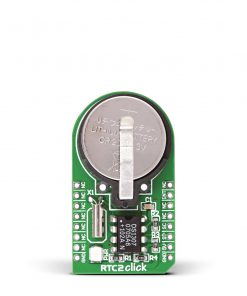
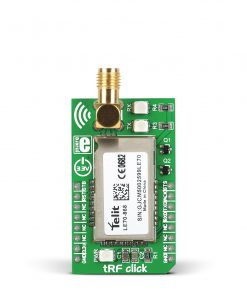
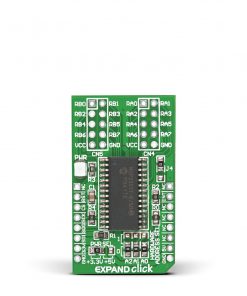
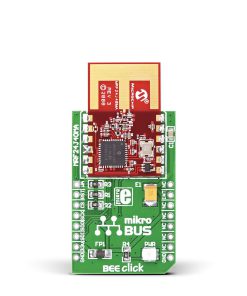
Click boards™ will make each Buggy unique and different. There are 1645 Clicks available, and among them are all types of sensors and transceivers. The Buggy has three mikroBUS™ sockets, plus two more if a Clicker 2 board is attached. Click here to get some ideas.

Download App and go for a ride
If you want to take your Buggy for a spin as soon as possible, attach BLE P Click to one of the three mikroBUS™ sockets, and install the free Buggy Android app on your nearest Bluetooth Low Energy compatible smartphone or tablet. The source code is available for free. Use it to tailor the app for any number of specific uses you intended for the Buggy. If you purchase a Buggy kit with a Clicker 2 board, the firmware is preinstalled. Otherwise, download it from here.
What you get?
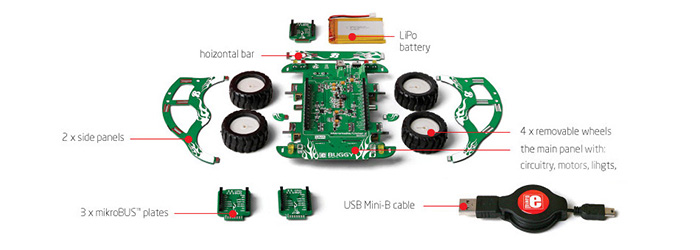
The Buggy comes disassembled in the box. Shown up, in the image gallery, are all the components you need to assemble the Buggy before adding a Clicker 2 (or mikromedia) and Click boards™.


AudioAmp 3 Click
Piezo Accel 2 Click - 25g
SiBRAIN for PIC18F55K42
8x8 G Click
MINI-M4 for Tiva™ C Series
VU Meter Click
Ready for PIC-AVR Casing (Gray)
EXPAND 7 Click
Buck 16 Click
MCU CARD 2 for PIC PIC18F86J15
8800 Retro Click
AN To PWM Click
RS485 4 Click
OSD click
RF Meter 3 Click
MIC23099 Click
PWM driver Click
DAC 3 Click
LR 11 Click - 868MHz
IR Sense Click
ccRF2 Click